
Make Your Phone Touchscreen More Responsive
 Oale Team
Have you noticed your phone sometimes misses taps, responds slowly, or feels less smooth than before? Fortunately, touchscreen issues aren’t always caused by hardware damage. In many cases, a few simple adjustments can restore a faster and more accurate touch experience.
Read on for five practical ways to improve your phone’s touchscreen performance.
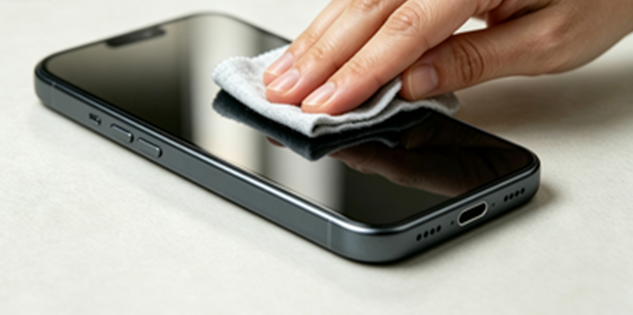
Clean the Screen Regularly
Dust, fingerprints, oil, and other residue can reduce your screen’s ability to detect touch accurately.
- Wipe the display with a clean microfiber cloth.
- Remove fingerprints and grease regularly.
- Avoid abrasive cloths or harsh cleaning chemicals.
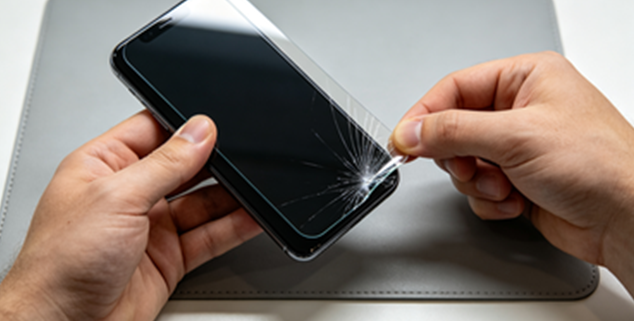
Check Your Screen Protector
A cracked or poorly installed screen protector may interfere with normal touch input.
- Inspect the protector for cracks or damage.
- Replace old or worn protectors if necessary.
- Make sure the protector is properly aligned with the display.
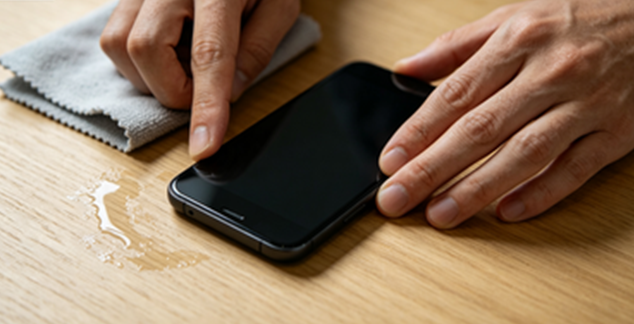
Keep Your Hands and Screen Dry
Most smartphones use capacitive touchscreens, which rely on electrical conductivity. Water or sweat may interfere with touch detection.
- Dry your hands before using your phone.
- Wipe away moisture from the display.
- Avoid using the touchscreen in heavy rain whenever possible.
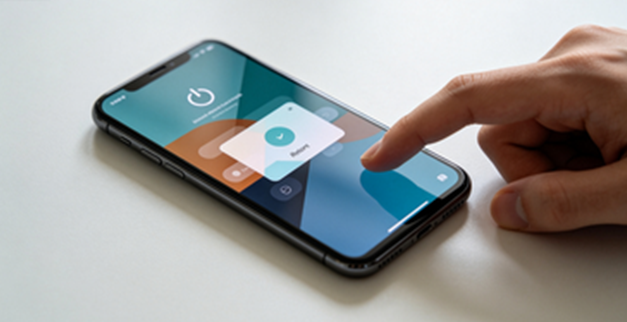
Restart Your Phone
Restarting your phone refreshes system resources and clears temporary software glitches.
- Restart your device every few days.
- Reboot if the touchscreen suddenly becomes slow.
- Check whether the issue improves after restarting.
Keep Your Software Updated
Software updates often include performance improvements, touchscreen optimizations, and bug fixes.
- Install the latest system updates.
- Keep frequently used apps updated.
- Enable automatic updates if available.

Want a silky, responsive touchscreen that makes every tap feel satisfying?
Small daily habits make all the difference! Wipe your screen regularly, care for your phone, and always install the newest software updates — these easy steps boost touch sensitivity and overall device speed.
Stick to these tiny maintenance routines, and your phone will stay fast and responsive for years to come.