
How to Fix a Phone That Keeps Freezing or Lagging
 Oale Team
Is your phone freezing, lagging, or responding slowly? Don’t worry! These issues are common and can often be fixed with a few simple steps.
Why Is Your Phone Freezing or Lagging?
Several factors can slow down your phone:
- Low storage space: Too many files and apps can affect performance.
- Background apps: Resource-heavy apps may slow down your device.
- Outdated software: Older software may cause bugs or performance issues.
- Overheating: Excessive heat can reduce your phone’s speed.

6 Easy Ways to Fix a Lagging Phone
1. Restart Your Phone
A simple restart can fix temporary glitches and improve responsiveness.

2. Free Up Storage
Delete unnecessary files, photos, and unused apps to create more available space.

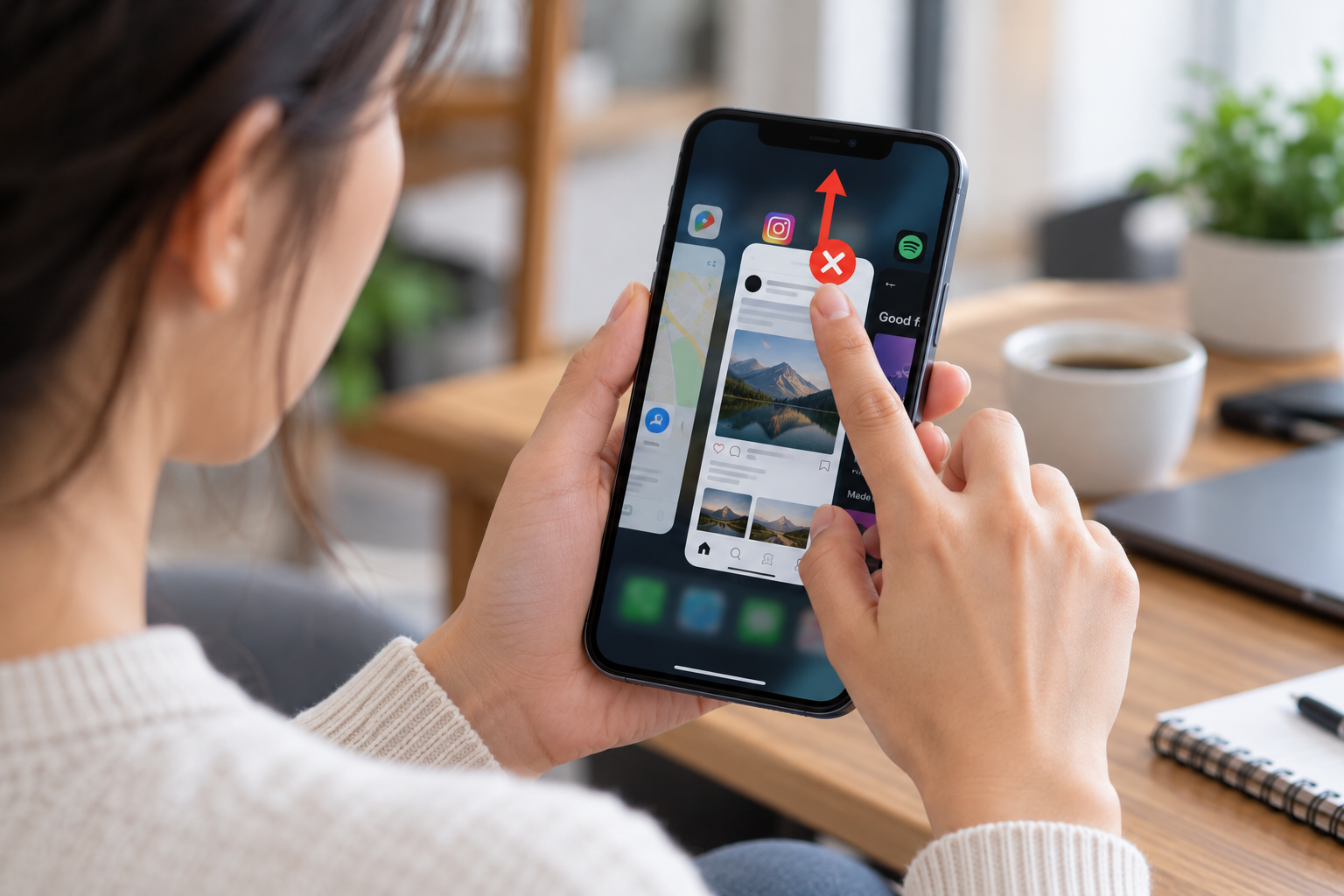
3. Close Problematic Apps
Close apps that are frozen or using too many resources. There’s no need to constantly close every app.
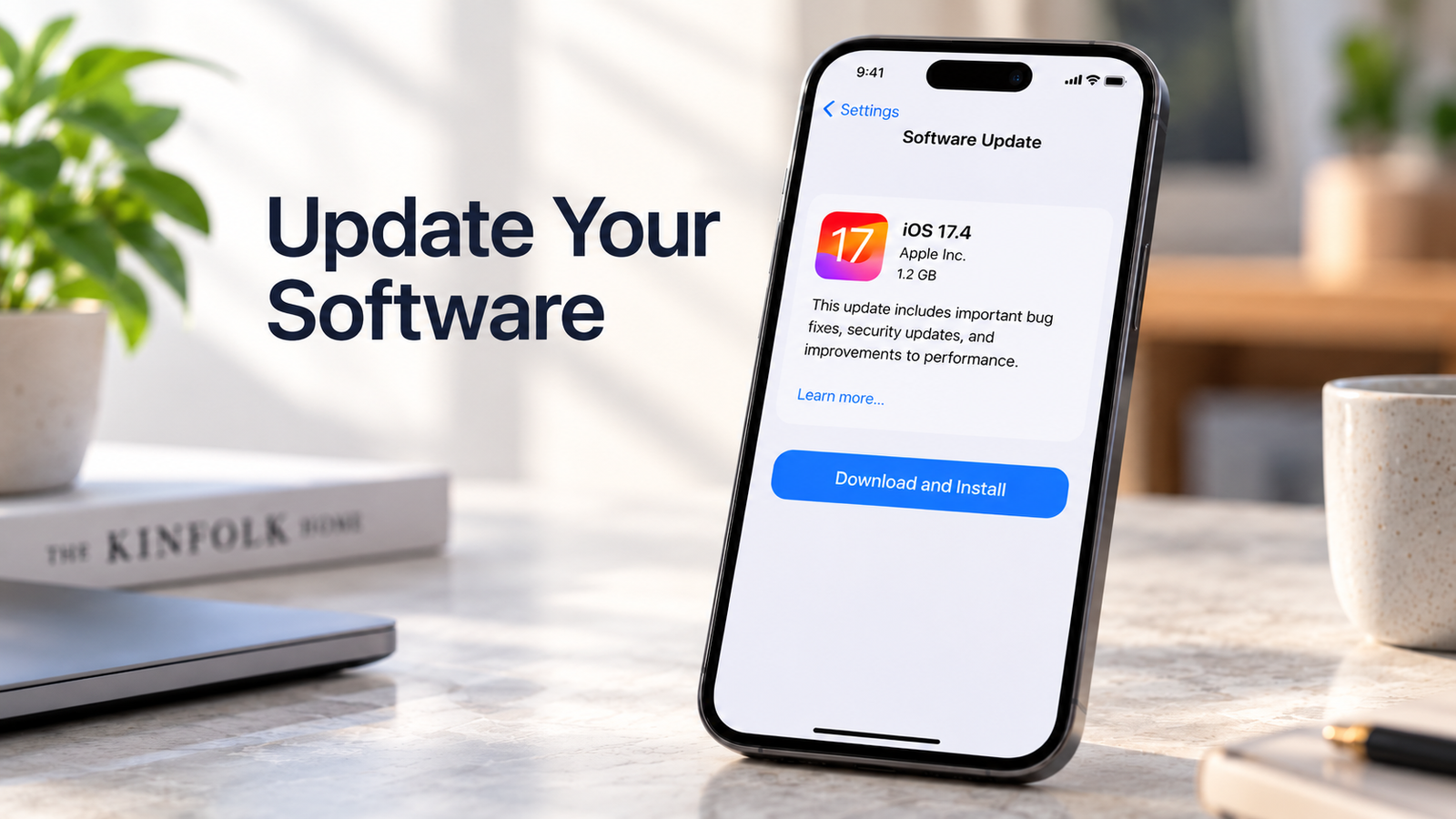
4. Update Your Software
Go to Settings > System Update to check for available updates. Updated software can improve stability and fix bugs.
5. Clear App Cache
Go to Settings > Apps > Storage > Clear Cache for apps that are running slowly. Menu options may vary by device.

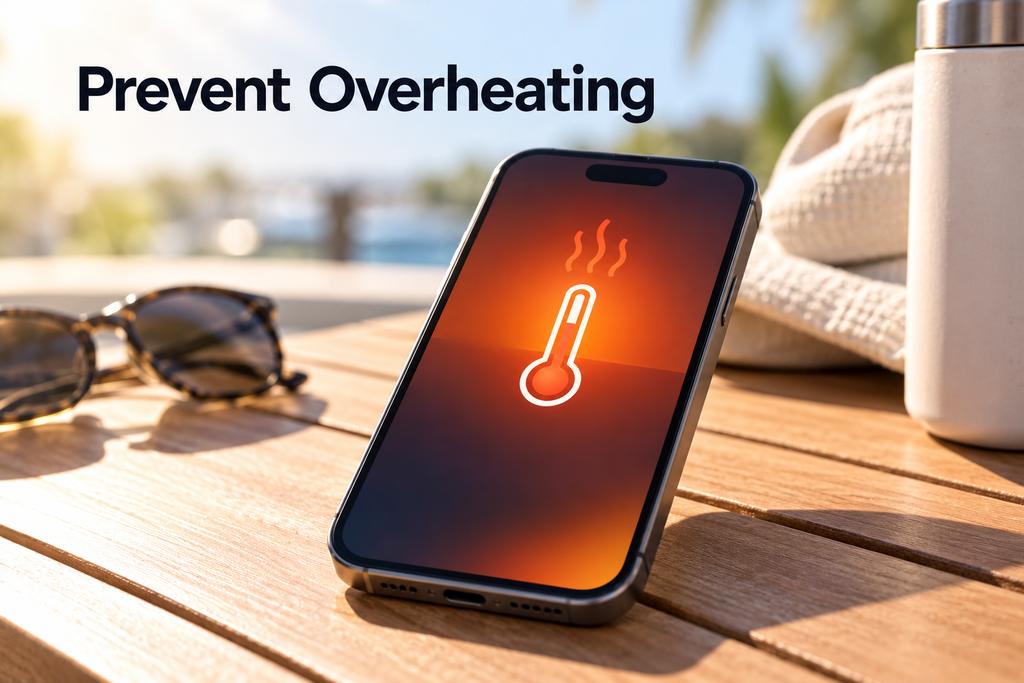
6. Prevent Overheating
Avoid using your phone in direct sunlight or running demanding apps for long periods in hot environments.
How to Keep Your Phone Running Smoothly
- Keep your software and apps updated.
- Maintain enough free storage.
- Uninstall apps you no longer use.
- Avoid excessive heat.
Final Thoughts
A freezing or lagging phone doesn’t always need professional repair. Simple steps like restarting, clearing storage, and updating software can often improve performance.
If the problem continues, contact a professional technician for further assistance.
For more smartphone tips and troubleshooting guides, stay connected with the OALE Community.