
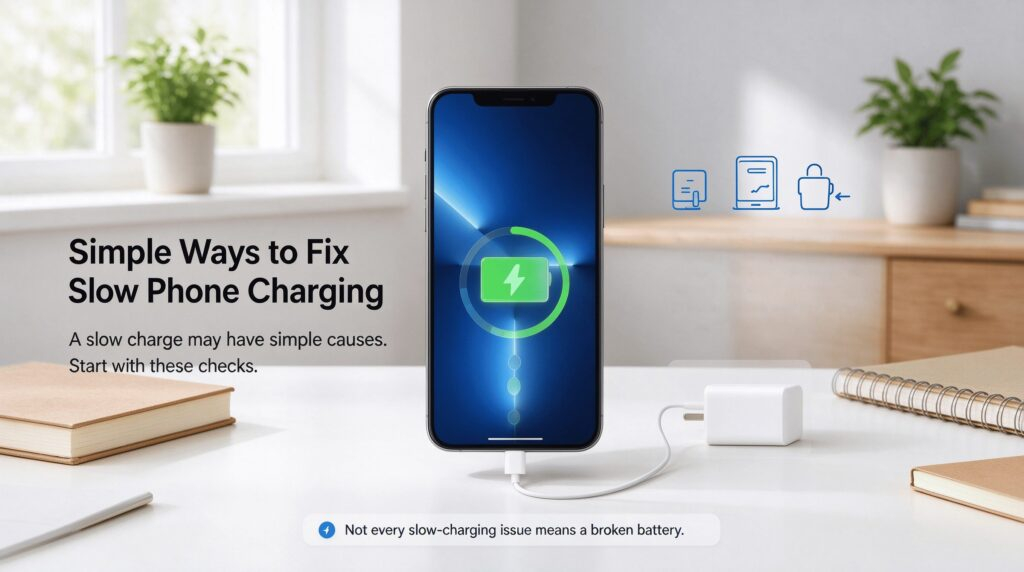
Simple Ways to Fix Slow Phone Charging🔧
 Oale Team
A phone that charges very slowly can be annoying, and it is not always caused by a broken battery. Try these easy troubleshooting steps below.phone that charges very slowly can be annoying, and it is not always caused by a broken battery. Try these easy troubleshooting steps below.
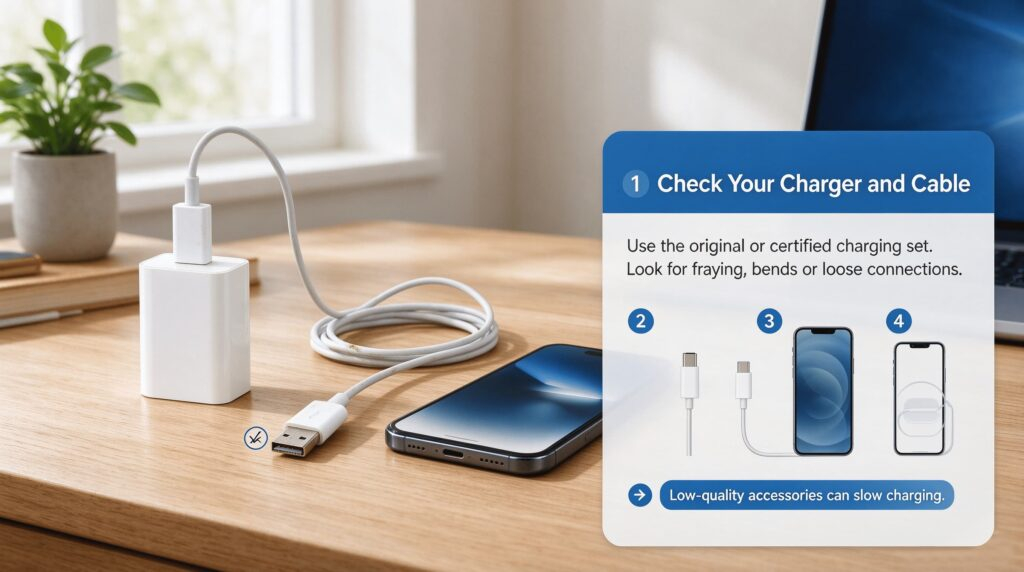
Check Your Charger and Cable
Damaged, low-quality or mismatched chargers and cables greatly reduce charging speed. Inspect the cord for fraying. Use the original certified charging set if possible.
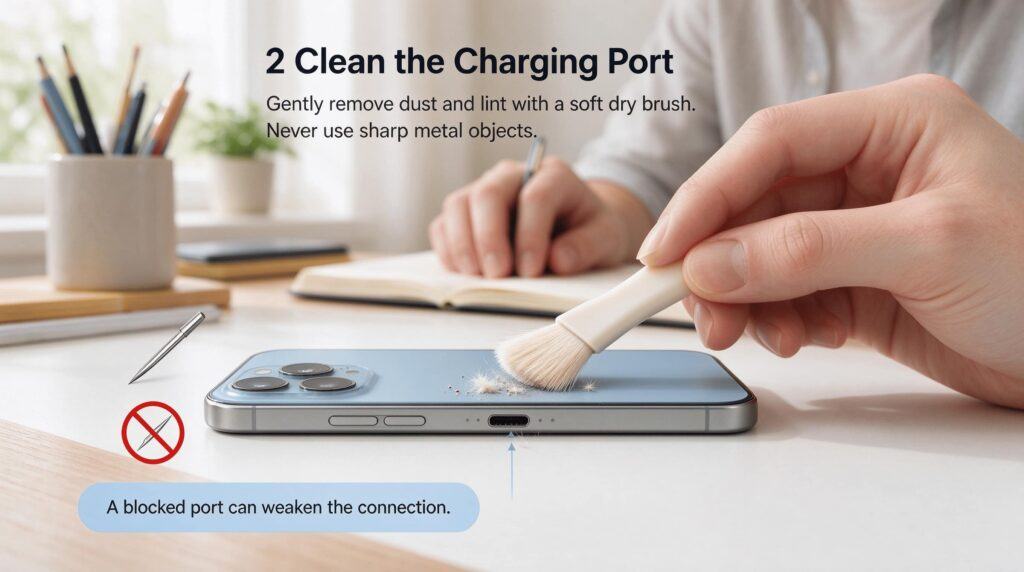
Clean the Charging Port
Lint, dust and dirt can build up inside the charging port and block the connection. Gently clear debris with a soft dry brush. Never use sharp metal objects.
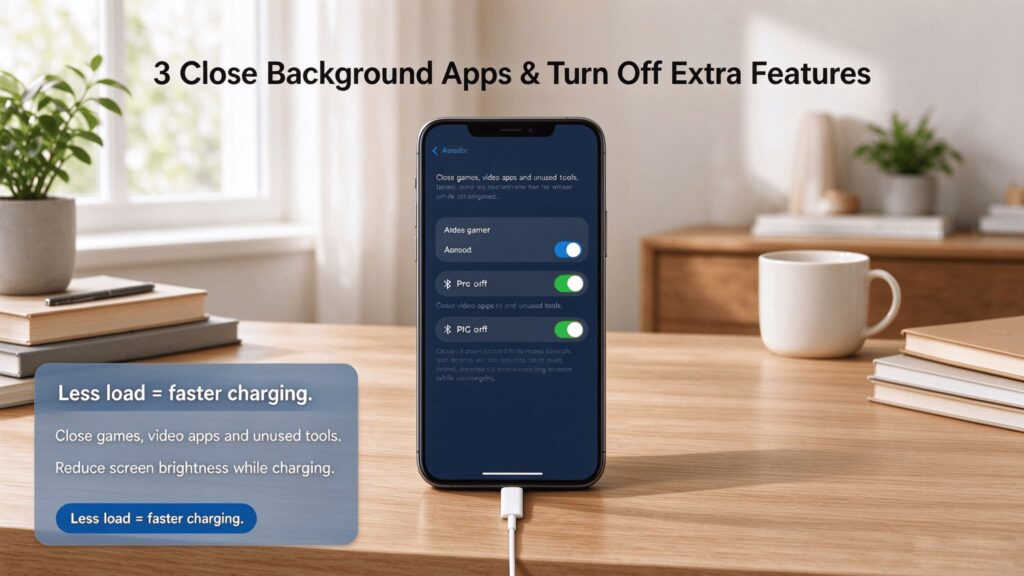
Close Background Apps & Turn Off Extra Features
Running games, video apps, hotspot or high screen brightness while charging creates extra power load. Close unused apps and turn off Bluetooth, GPS temporarily.
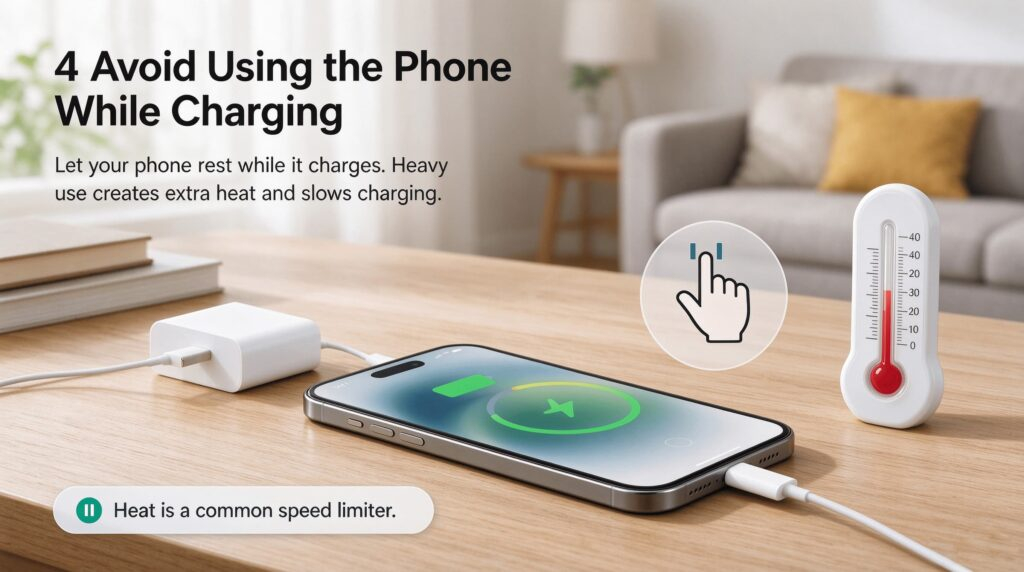
Avoid Using the Phone While Charging
Heavy use during charging generates extra heat, and heat will slow down the charging process. Let your phone rest while it charges.
Check for Software Updates
System bugs can also trigger abnormal slow charging. Install available system and app updates.
Look for Battery or Hardware Issues
If all steps fail, your battery may be aged or damaged. Stop using it and contact a professional repair service for testing.