
What to Do When Your Phone Won’t Turn On 🔌
 Oale Team
A phone that suddenly refuses to power on can feel scary, but the cause is often something simple. Before assuming the worst, work through these steps.
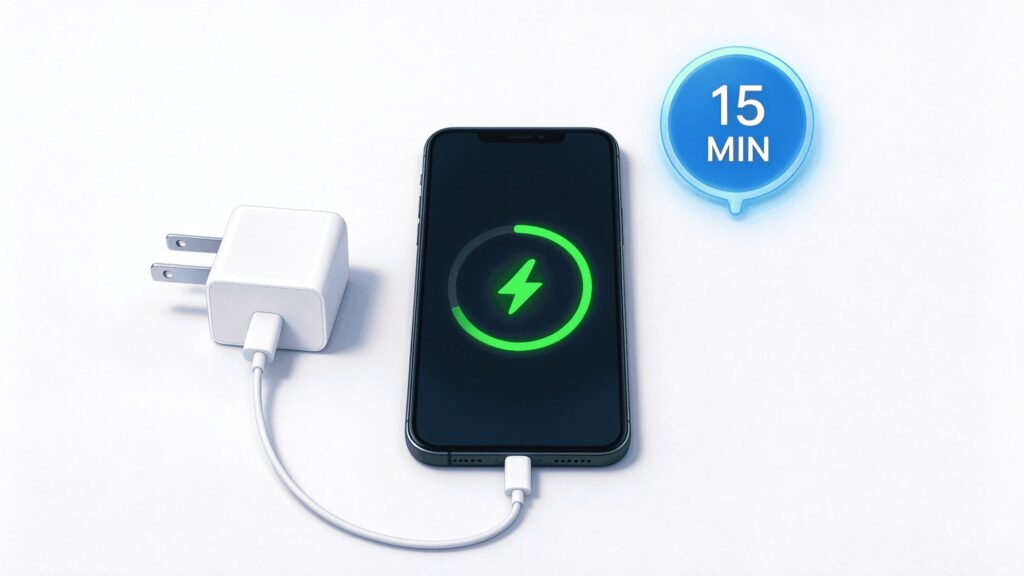
Charge It for at Least 15 Minutes
A fully drained battery can take a few minutes before the charging icon appears. Connect the original charger and cable, then wait patiently. A dead battery plus a weak charger is the most common reason a phone “won’t turn on”.
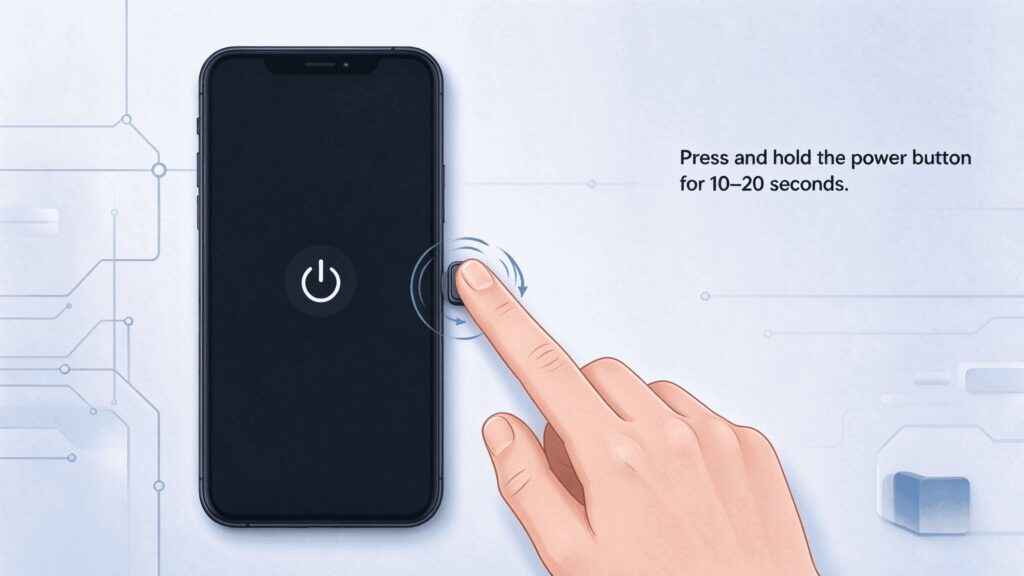
Force a Restart
Press and hold the power button for 10–20 seconds. This forces the phone to reboot and fixes many “black screen but powered” situations.
Check the Screen, Not Just the Phone
The phone may actually be on, with a frozen or black display. Look closely for a faint backlight, or ask someone to call you. If you hear the ringtone, the screen — not the phone — is the problem.

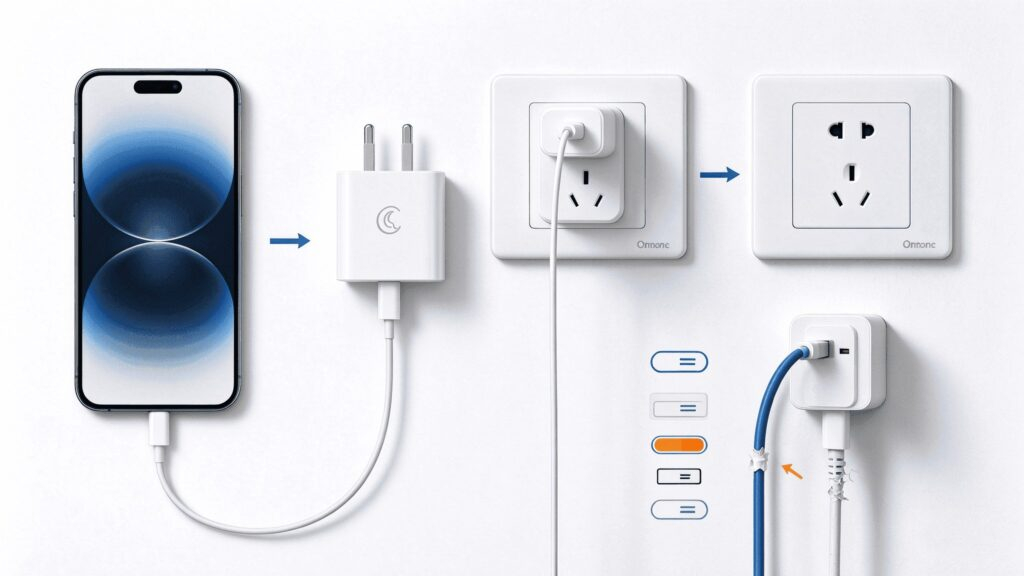
Try a Different Charger and Wall Socket
Faulty cables, chargers and wall sockets cause endless confusion. Test with another certified charging set in a different socket.
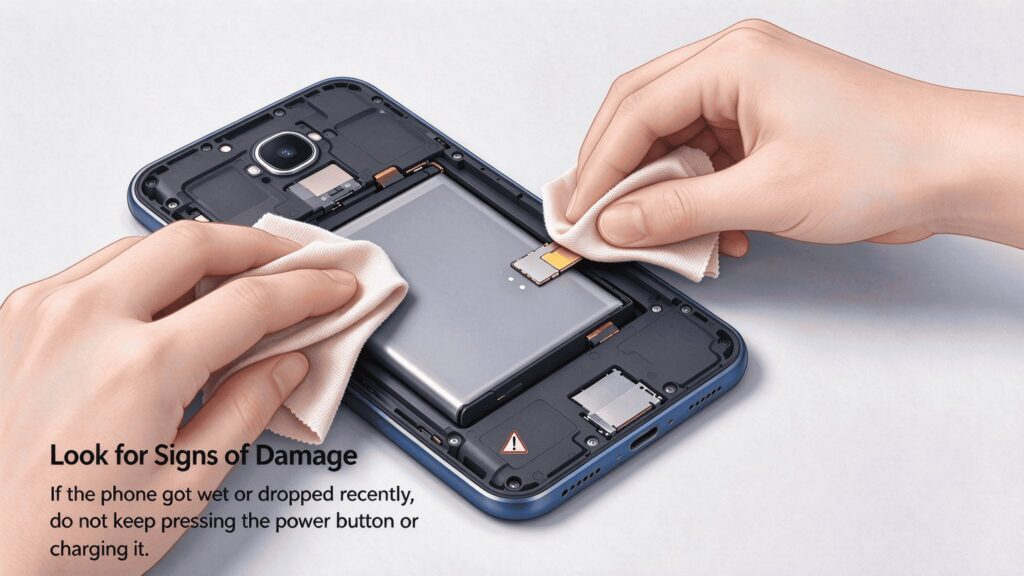
Remove the Battery (Removable Models)
On OALE feature phones with a removable battery, take the battery out, wipe the metal contacts gently with a dry cloth, reinsert it firmly, then try again.
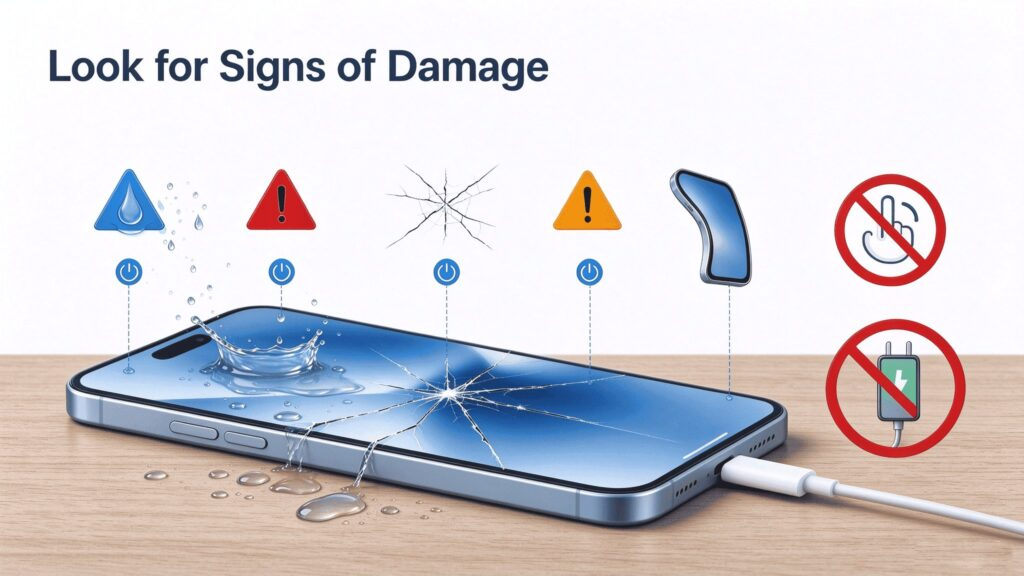
Look for Signs of Damage
If the phone got wet or dropped recently, do not keep pressing the power button or charging it. Powering a damaged device can make things worse.
Still Nothing? Contact OALE Support
f none of these steps work, stop troubleshooting and bring your device to an authorized OALE service center. Our technicians will diagnose it professionally — and if your device is under warranty, repairs may be free.

A few patient steps solve most “dead phone” scares. Save this guide so you’re ready next time!