
Keep Your Wi-Fi Connection Strong and Stable
 Oale Team
A stable Wi-Fi connection is essential for everyday activities such as streaming videos, attending online meetings, gaming, and browsing the web. If your connection frequently drops, loads slowly, or experiences interruptions, the issue isn’t always caused by your internet provider. In many cases, a few simple adjustments can help improve your wireless experience.
Read on for some practical tips to keep your Wi-Fi connection stable and reliable.
📍 Stay Within the Router’s Coverage Area
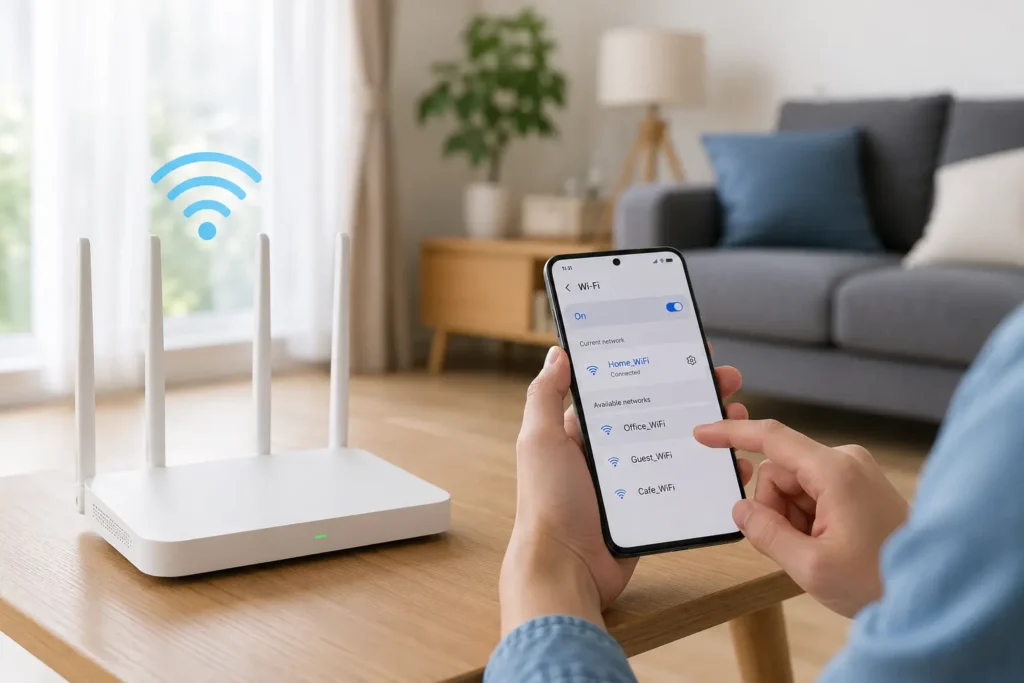
The strength of a Wi-Fi signal decreases as the distance from the router increases. Thick walls, metal objects, and large furniture can also weaken the signal.
To achieve the best performance:
- Stay within a reasonable distance from the router.
- Place the router in an open and central location.
- Reduce physical obstacles whenever possible.
🔄 Restart Your Phone and Router Regularly
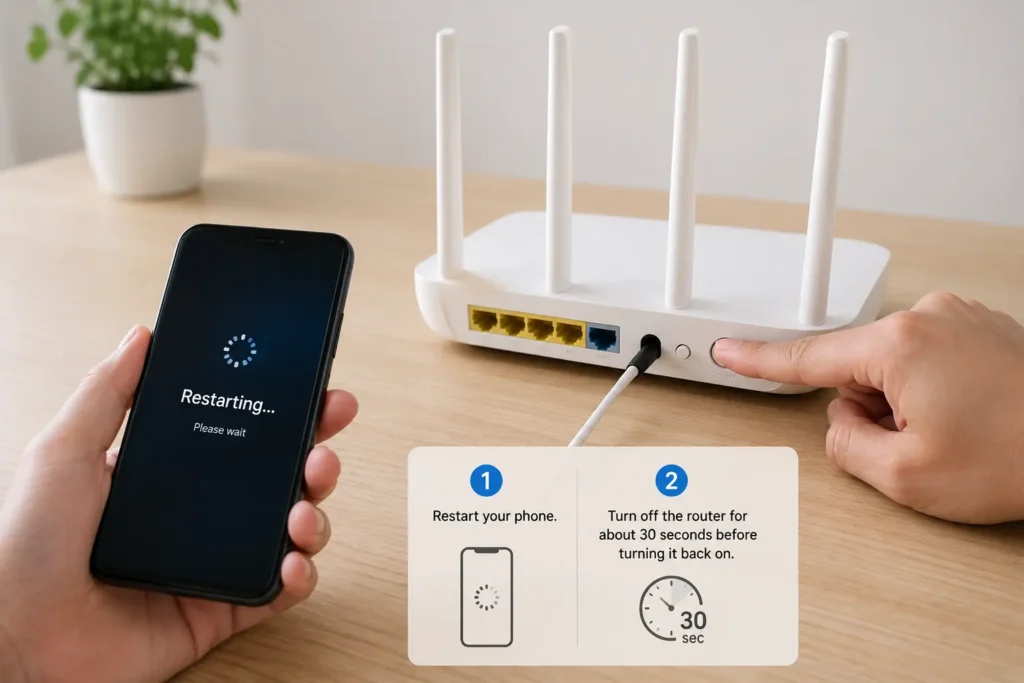
Network devices can develop temporary issues after running continuously for long periods. Restarting both your phone and router helps refresh the connection and clear temporary network errors.
You can try the following:
- Restart your phone.
- Turn off your router for about 30 seconds before powering it back on.
- Wait a few moments for the connection to be fully restored.
🔗 Forget and Reconnect to the Wi-Fi Network
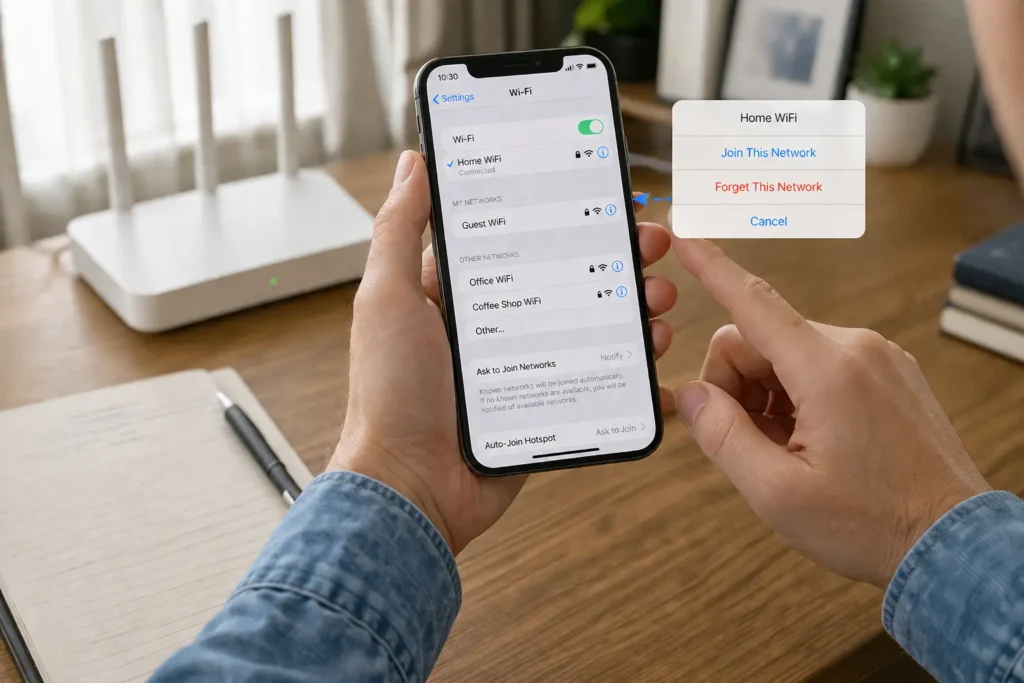
If your phone repeatedly disconnects from the same network, reconnecting can refresh saved network settings and resolve connection issues.
Here’s how:
- Open Settings > Wi-Fi.
- Select your current network and tap Forget.
- Search for the network again and reconnect using the correct password.
📡 Reduce Wireless Interference
Wi-Fi signals may be affected by nearby electronic devices or multiple wireless networks operating on the same frequency.
To minimize interference:
- Keep the router away from microwaves, cordless phones, and other electronic devices.
- Avoid placing the router inside cabinets or behind large objects.
- If available, switch to the 5 GHz Wi-Fi band for better performance in less crowded environments.

Reliable Wi-Fi helps you get the most out of your device, whether you’re working, studying, streaming, or staying in touch with family and friends. Regular device maintenance and good network habits can help keep your connection stable whenever you need it.
💬 Have you tried any of these tips? Or do you have another way to improve Wi-Fi performance? Share your experience with us!