
🎤 Simple Ways to Fix Phone Microphone Problems
 Oale Team
A malfunctioning microphone can affect phone calls, voice recordings, video meetings, and voice assistants. Fortunately, not every microphone problem means your phone is damaged. In many cases, simple troubleshooting can quickly restore normal performance.
If your microphone isn’t working properly, try the solutions below.
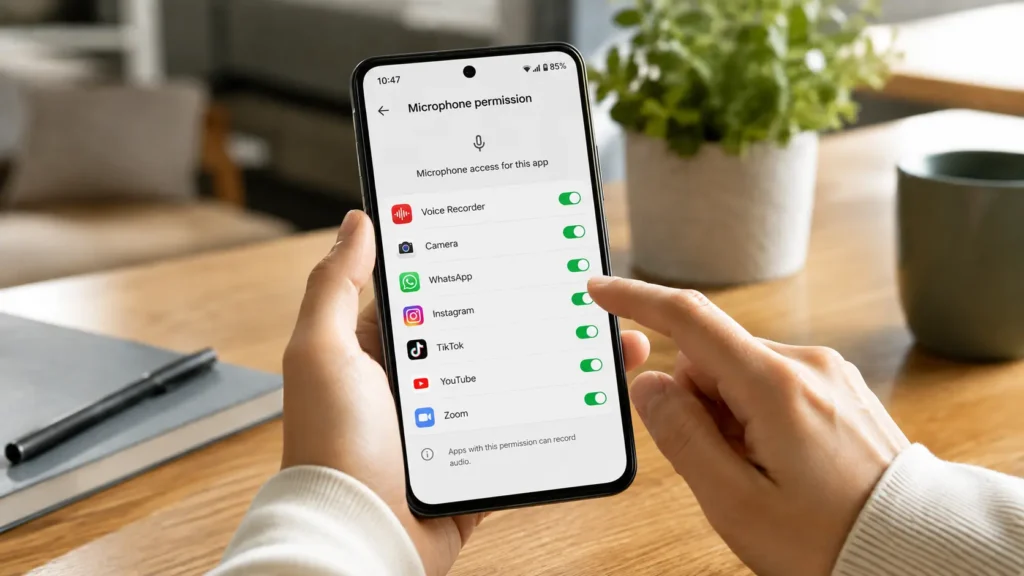
Check Microphone Permissions
Some apps require permission to access your phone’s microphone. If microphone access is disabled, the app won’t be able to record your voice even if the microphone itself is working normally.
- Open Settings and go to Privacy or Permissions.
- Enable microphone access for the affected app.
- Restart the app and test it again.
Disconnect Bluetooth Devices
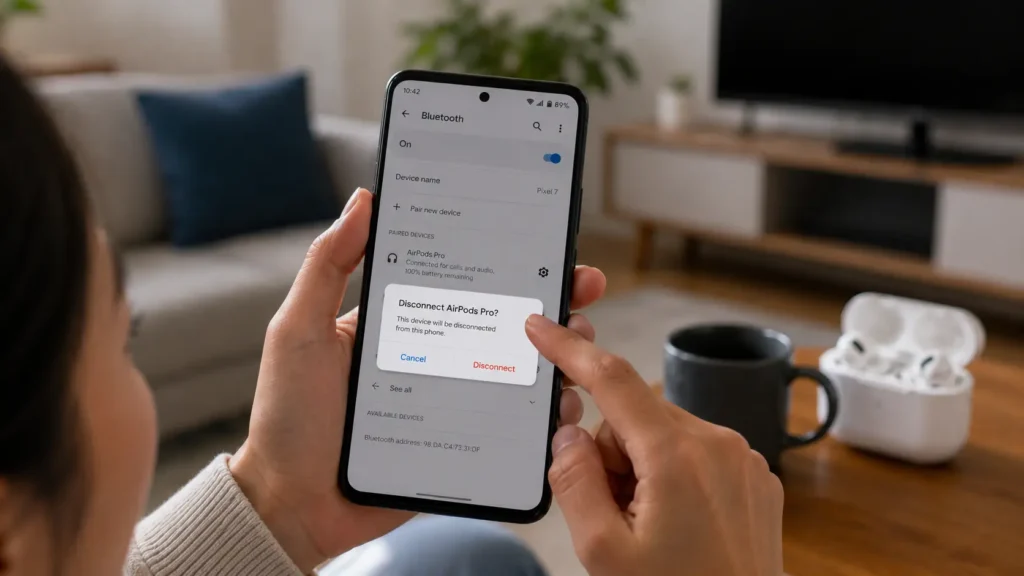
When Bluetooth earbuds, headphones, or car audio systems are connected, your phone may automatically use their built-in microphone instead of the one on your phone.
- Turn off Bluetooth temporarily.
- Disconnect all paired audio devices.
- Record a voice memo or make a test call.
Clean the Microphone Opening
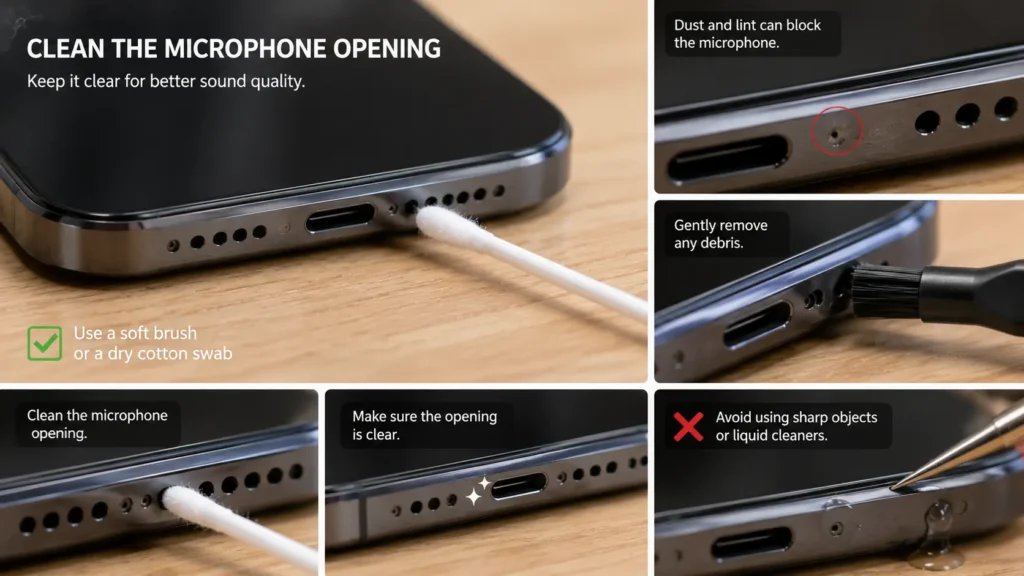
Dust, lint, and other small particles can block the microphone opening, making your voice sound faint or muffled.
- Clean the microphone opening with a soft brush or a dry cotton swab.
- Remove any debris around the microphone area.
- Avoid using sharp objects or liquid cleaners.
Test the Microphone
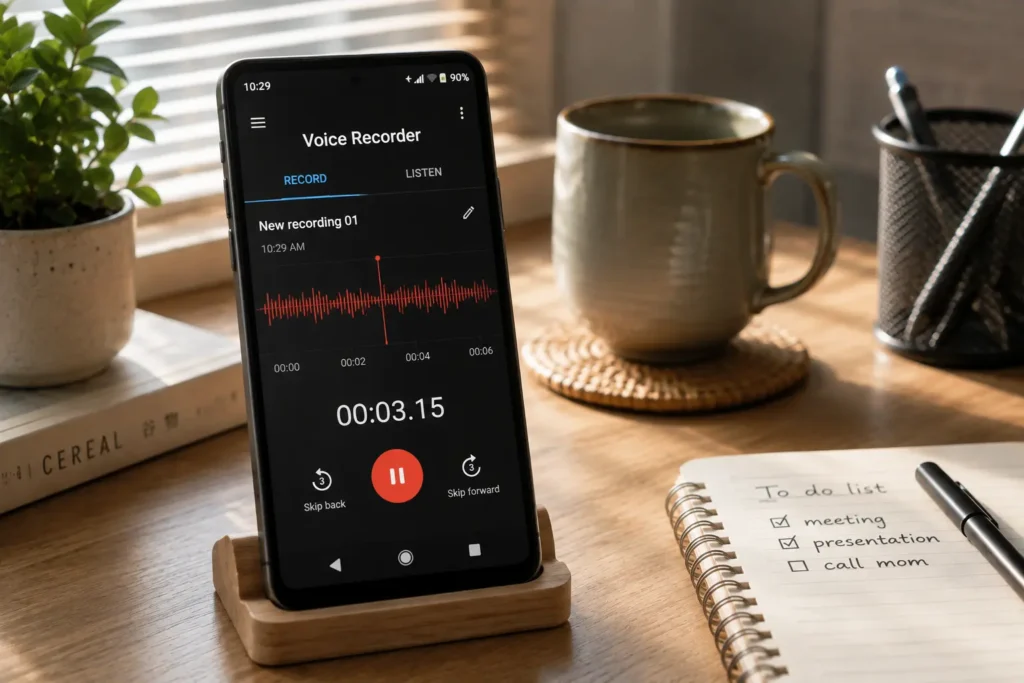
A quick microphone test can help determine whether the issue affects your entire device or only a specific app.
- Open the built-in Voice Recorder app.
- Record a short voice message.
- Play it back to check the recording quality.
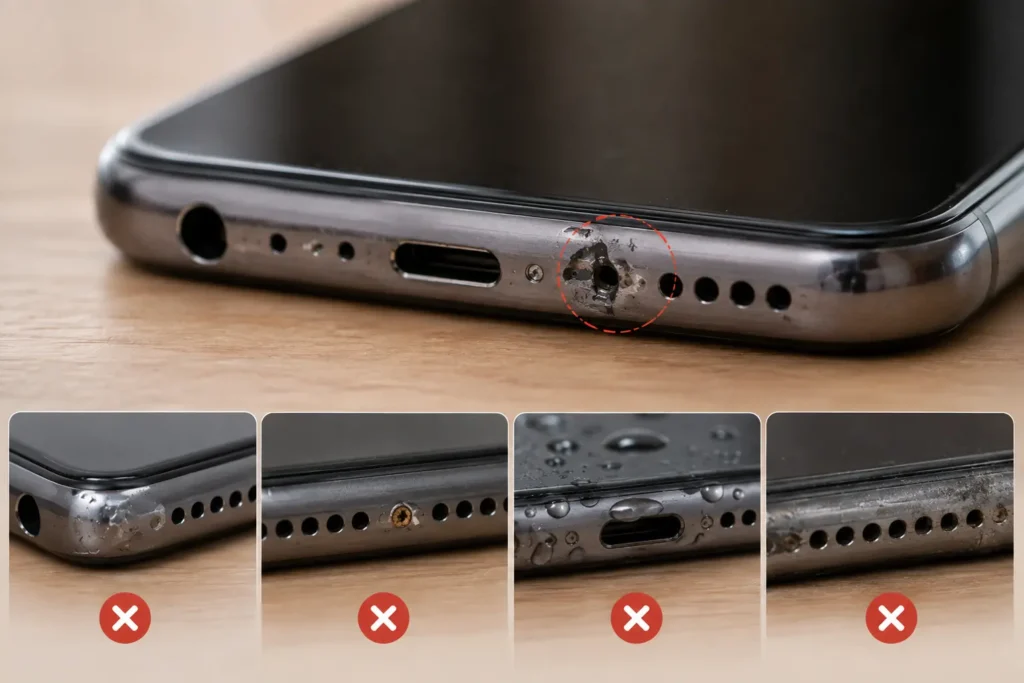
Check for Hardware Damage
If none of the previous solutions works, the microphone may have been damaged by drops, water exposure, or normal wear.
- Check for visible signs of physical or water damage.
- Test the microphone in different apps.
- Contact a professional repair service if the problem persists.
Which solution worked for you?
Share your experience or let us know if you’re still having trouble.
👍 It worked! 💬 I still need help