
📷How to Fix Phone Camera Blurriness Issues
 Oale Team
A blurry or out‑of‑focus camera can ruin daily photos, document scans and video calls. Fortunately, not every blurry camera issue points to broken hardware. In most cases, simple troubleshooting steps can help you get sharp images back quickly.
If your phone camera keeps producing blurry, unfocused pictures, try the solutions below.
Clean the Camera Lens
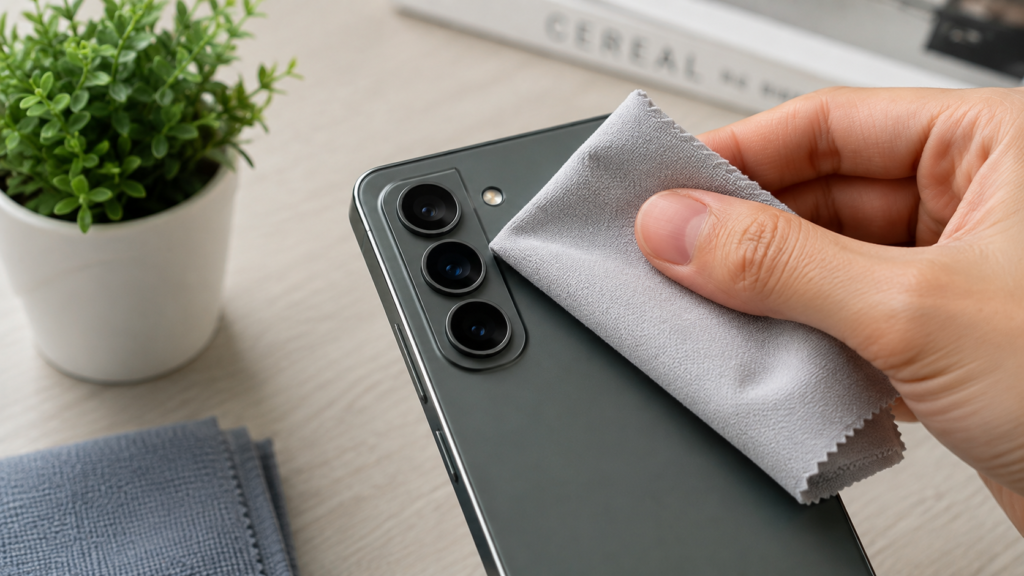
Smudges, fingerprints and dust on the lens are the top cause of blurry photos. Even tiny dirt will mess up your focusing performance.
- Gently wipe the camera lens with a soft lint‑free microfiber cloth.
- Remove your phone case or lens film temporarily, as scratched or misaligned accessories may block the lens.
- Check for dust stuck inside the lens gap if blurriness never goes away.
Manually Lock Focus
Automatic focus may fail under complex lighting or close‑up shooting conditions.
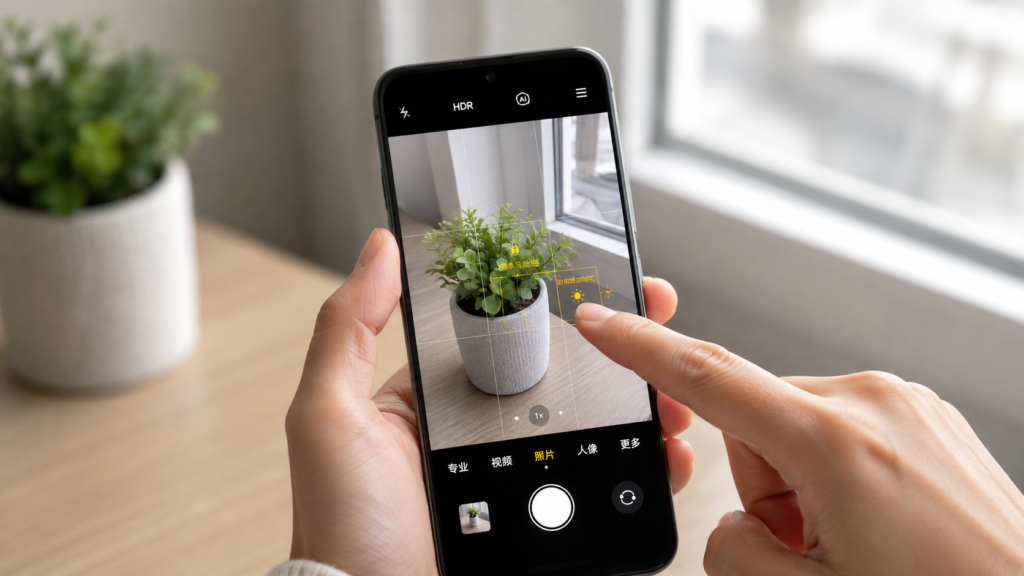
- Open your camera app and tap the screen on the object you want to shoot.
- Hold your finger for 2‑3 seconds to lock focus and exposure.
- For moving subjects, avoid fast continuous shooting if your phone struggles with tracking focus.
Resolve Software‑Related Glitches
Outdated system or occupied system resources can interfere with camera functions.
- Fully close the camera app and launch it again.
- Reboot your phone to clear temporary software bugs.
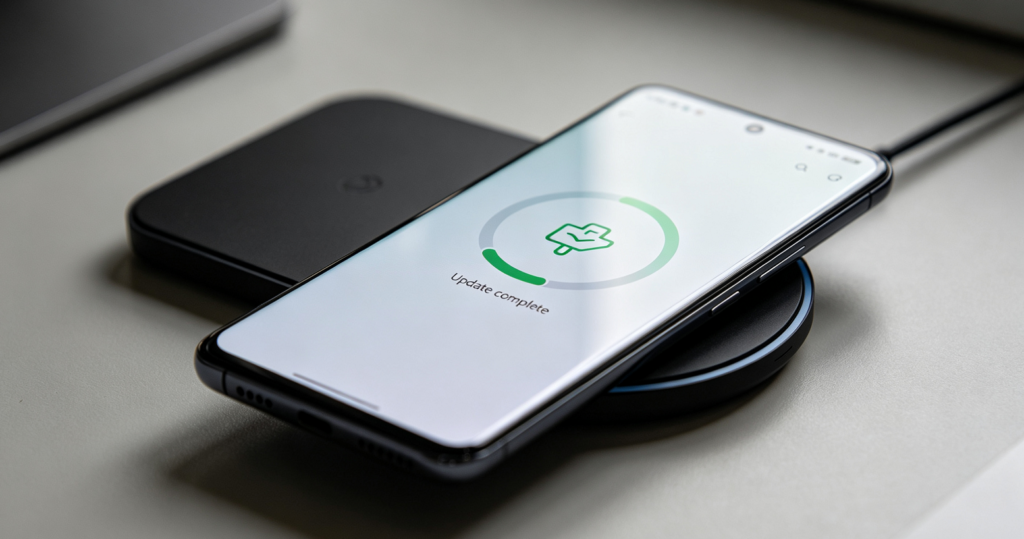
- Install the latest phone system updates, manufacturers often patch autofocus issues in new versions.
Have you tried these simple camera fixes?
Start with lens cleaning and setting adjustments to keep your camera capturing sharp photos.