
What Your OALE Warranty Covers (and What It Doesn’t) 📋
30/10/2026
 Oale Team
Buying an OALE device means you’re covered — but many users never use their warranty because they’re not sure what it includes. Here’s a simple guide.
What the Warranty Covers
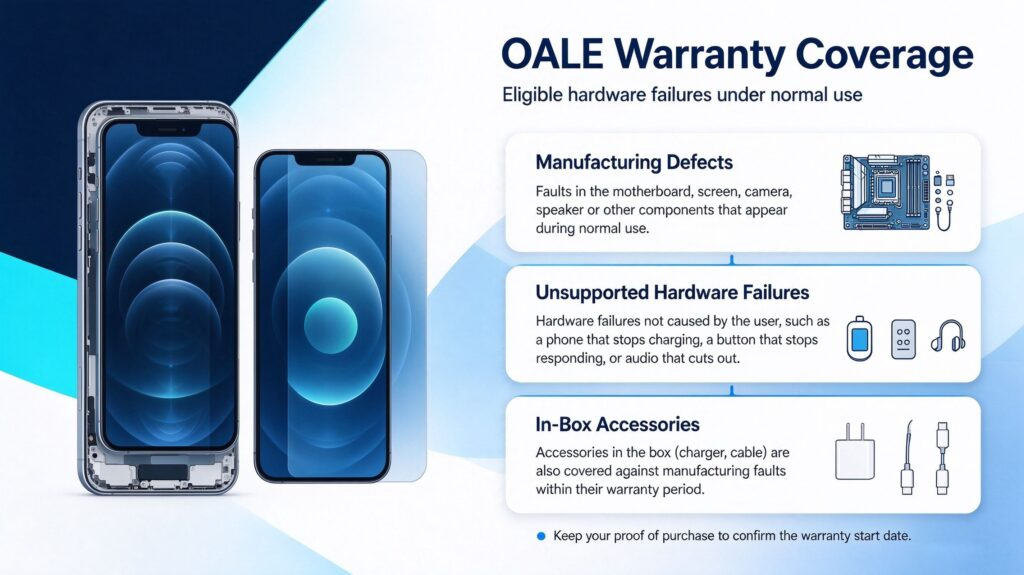
- Manufacturing defects: faults in the motherboard, screen, camera, speaker or other components that appear during normal use.
- Hardware failures not caused by the user, such as a phone that stops charging, a button that stops responding, or audio that cuts out.
- Accessories in the box (charger, cable) are also covered against manufacturing faults within their warranty period.
What the Warranty Does NOT Cover
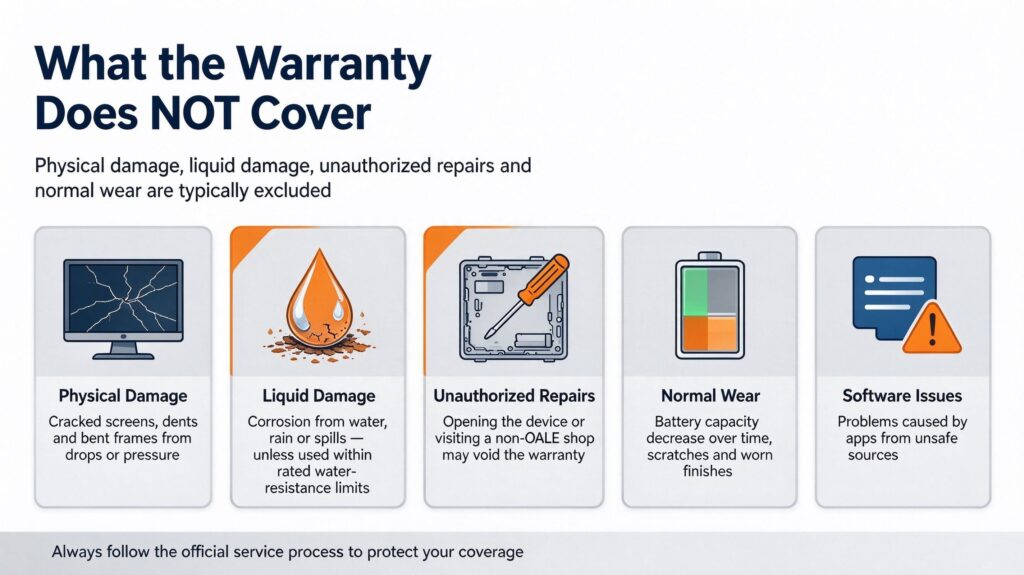
- Physical damage: cracked screens, dents and bent frames from drops or pressure.
- Liquid damage: corrosion from water, rain or spills (unless the device is water-resistant and used within its rated limits).
- Unauthorized repairs: opening the device yourself or visiting a non-OALE shop voids the warranty.
- Normal wear: battery capacity naturally decreasing over time, scratches and worn finishes.
- Software issues caused by installing apps from unsafe sources.
How to Claim Your Warranty — 3 Simple Steps
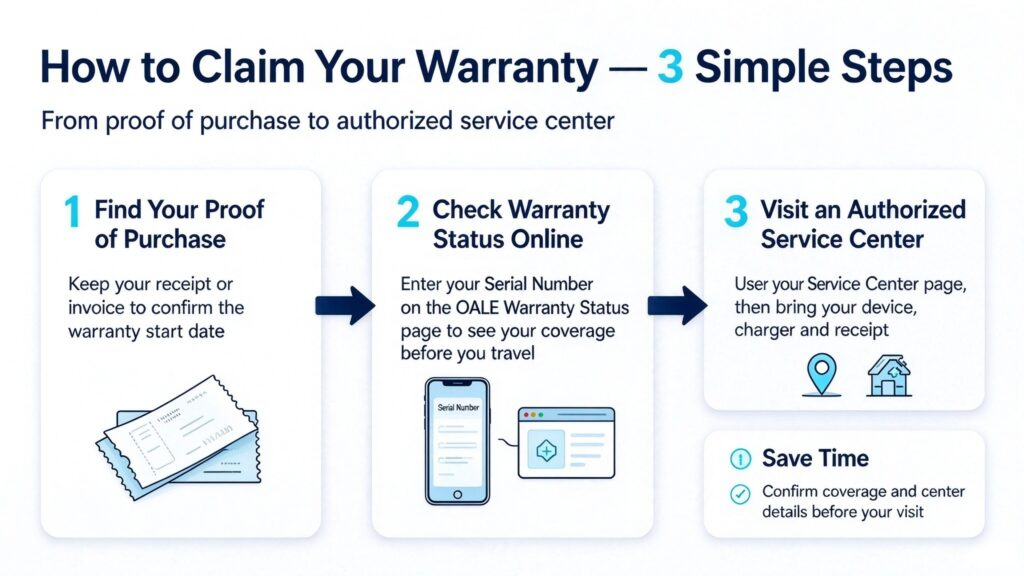
- Find your proof of purchase. Keep your receipt or invoice; it confirms your warranty start date.
- Check your warranty status online. Find your Serial Number on your device packaging or in settings, then enter it on the OALE Warranty Status page to confirm coverage before you travel.
- Visit an authorized service center. Use the Service Center page to find the nearest one. Bring your device, charger and receipt.
One Tip That Saves Money
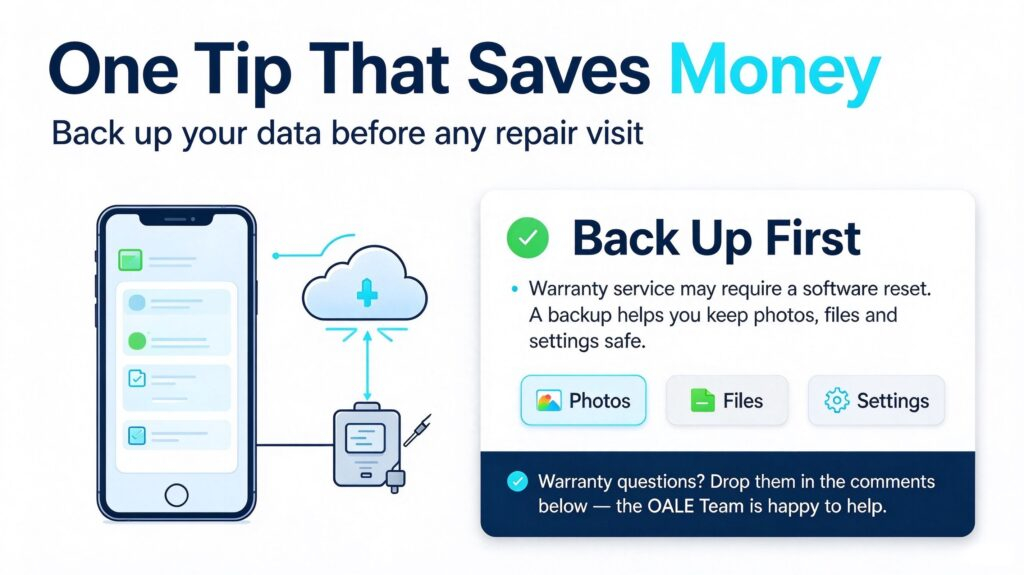
Back up your data before any repair visit. Warranty service may require a software reset, and a backup means you lose nothing.
Warranty questions? Drop them in the comments below — the OALE Team is happy to help.